
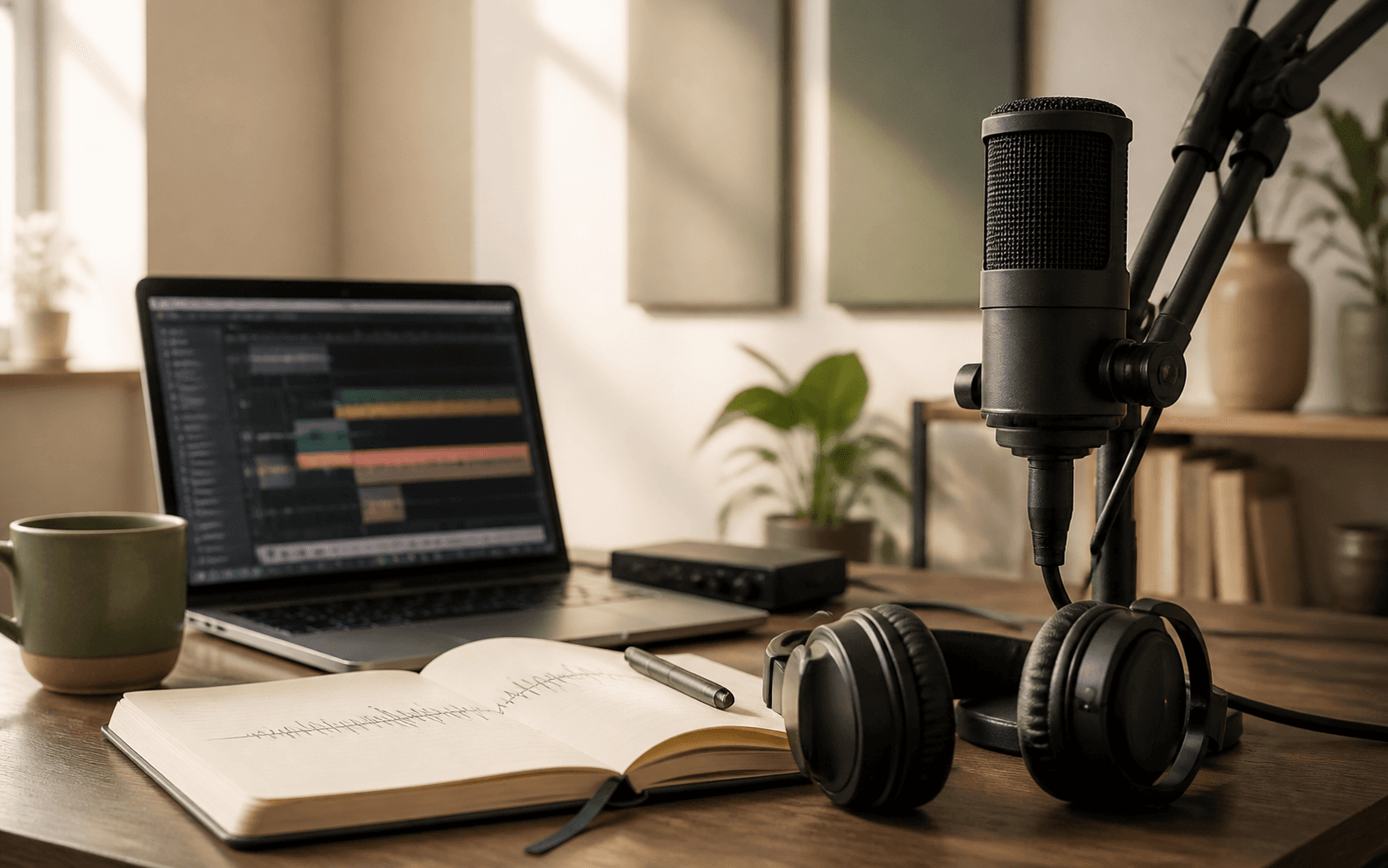
A little podcast know-how before you create
A podcast is a recurring audio show. For an AI-first workflow, the most useful preparation is not buying equipment first. Define the question this episode answers, who it is for, and what the listener should understand or do next.
Start with five things: a topic, a listener, a format, source material you trust, and a target length. The narrower the promise, the easier it is for AhaNow to shape a focused conversation instead of a generic overview.
Say what the listener gets
Solo, co-hosted, or Q&A
Keep claims grounded
Prepare a brief your AI host can follow
Do not stop at “make a podcast about AI.” Give the Agent a production brief with the language, length, host relationship, source boundaries, and tone you want. A specific brief makes the first draft more useful and the next revision easier.
Example episode brief
Create an 8-minute English co-hosted podcast for independent creators using AI tools for the first time. Explain how to turn source material into a trustworthy episode outline. Host 1 explains the method; Host 2 challenges assumptions and adds practical advice. Use only the uploaded files and do not invent facts outside them.
State the production goal first, then add constraints. You do not need to write the full script before you begin.
- Topic: the question this episode answers
- Audience: who is listening and what they already know
- Format: solo, co-hosted, interview-style, or knowledge conversation
- Boundaries: which files, links, or facts to use and what not to infer
- Outcome: three points or one action the listener should remember
Create an AI podcast in AhaNow
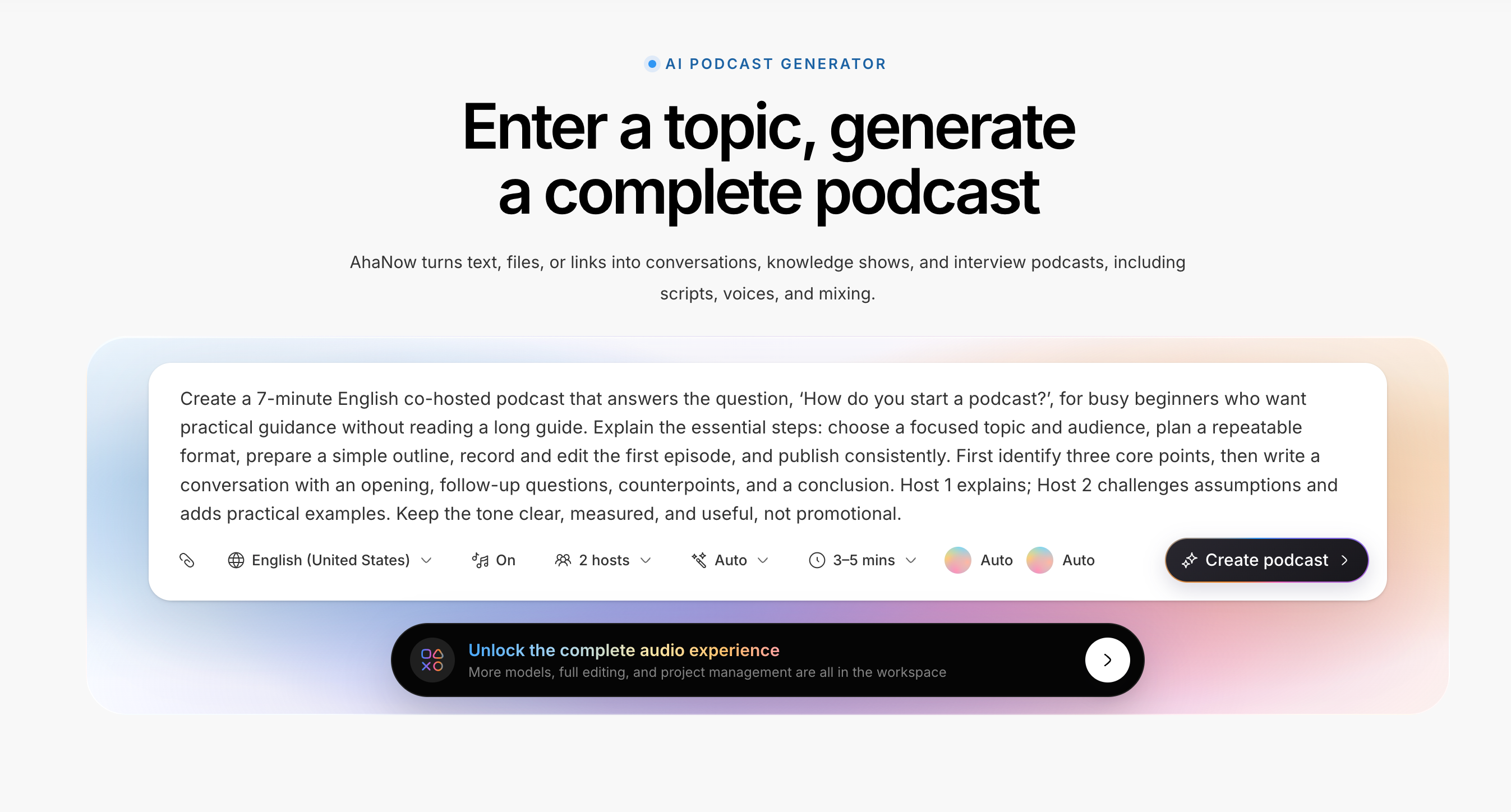
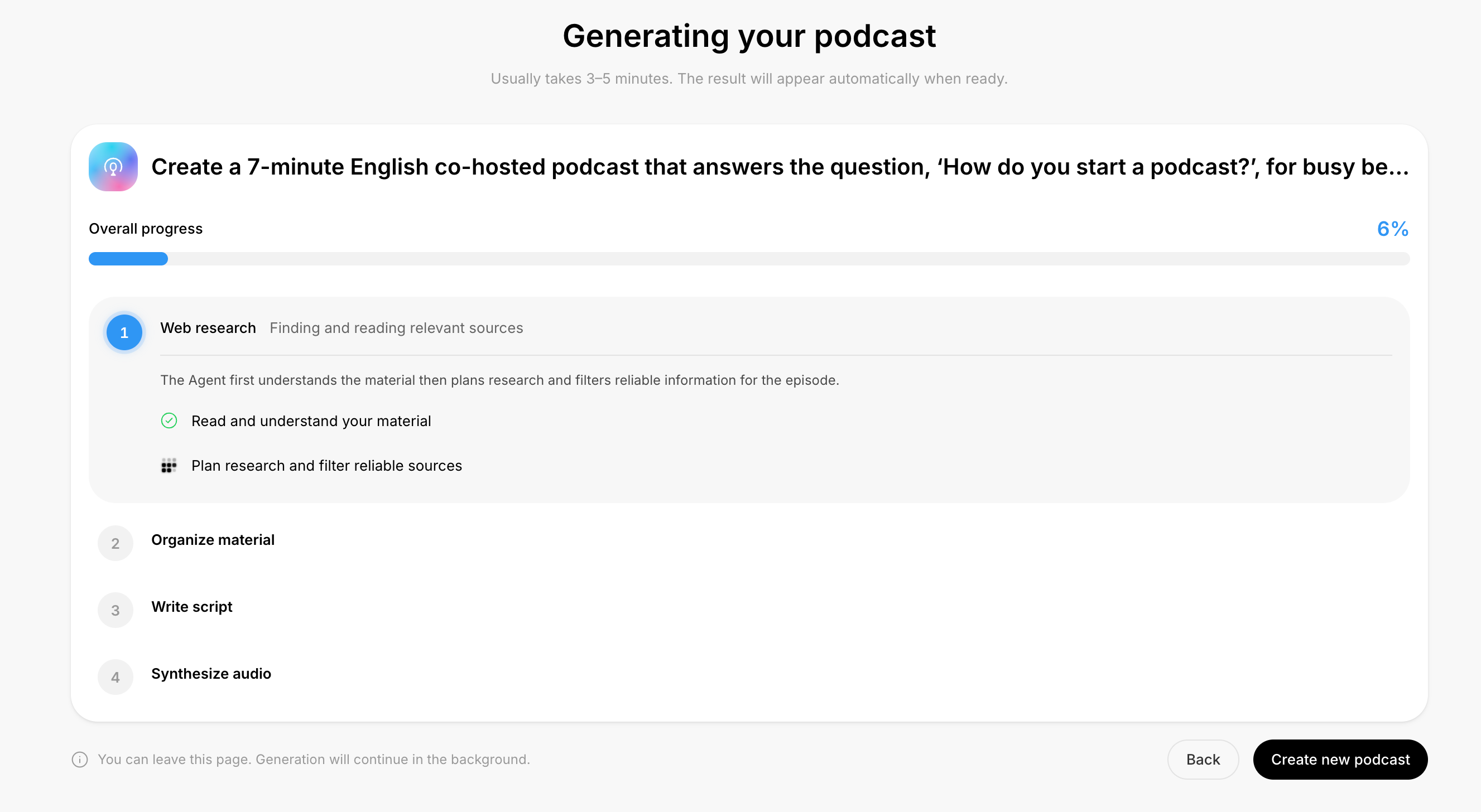
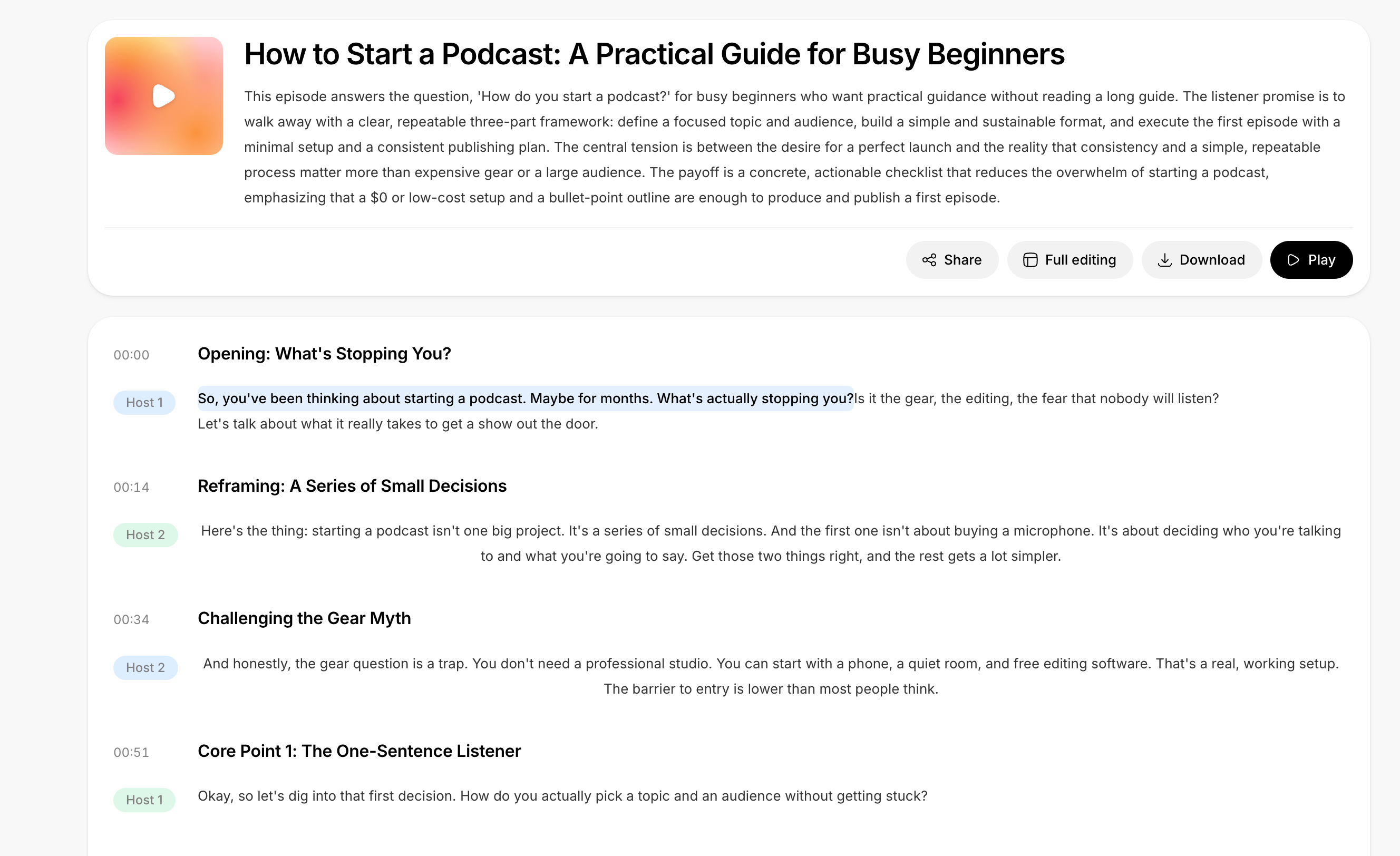
AhaNow lets you start with an idea, an uploaded file, or a web link. The Agent finds the key points, organizes the material, writes the script, and produces a solo or multi-host episode. Think of it as a production partner that follows a brief, not just a tool that reads text aloud.
After the first generation
- 1Listen once all the way through
Judge structure, tone, and host chemistry before line-editing
- 2Give one clear revision goal
For example: “Cut the opening to 30 seconds and lead with the conclusion”
- 3Review the script and audio again
Check facts, names, pauses, and whether music competes with speech
The walkthrough images use the current AhaNow podcast workspace. Controls may continue to evolve, so follow the labels in the live workspace when you create.
Prompt the Agent with a clear production brief
When a draft misses the mark, improve the production instruction before rewriting everything yourself. A good prompt specifies structure, roles, evidence boundaries, and the listening experience.
A prompt you can adapt
Create a 7-minute English co-hosted podcast that answers the question, ‘How do you start a podcast?’, for busy beginners who want practical guidance without reading a long guide. Explain the essential steps: choose a focused topic and audience, plan a repeatable format, prepare a simple outline, record and edit the first episode, and publish consistently. First identify three core points, then write a conversation with an opening, follow-up questions, counterpoints, and a conclusion. Host 1 explains; Host 2 challenges assumptions and adds practical examples. Keep the tone clear, measured, and useful, not promotional.
- For a stronger show shape, ask for a specific opening, transitions, and close
- For trust, require claims to stay inside the source material
- For a better listen, describe host personality, pacing, pauses, and the role of music
- For a shorter cut, set a target length and name the points that must remain
Listen, revise, and export the final episode
Generation is not the finish line. Listen through once, then check the episode on headphones and a phone speaker. You are listening for natural delivery, coherent sections, and sound design that supports rather than steals attention.
- Does the opening explain the topic and listener payoff in the first 30 seconds
- Are host handoffs clear, with voices and personalities that are easy to distinguish
- Do names, numbers, and quotations match the source
- Do pauses, transitions, music, and effects make the episode easier to follow
- Does the exported file play end to end, with clear metadata and naming
Publish to Spotify and more
AhaNow handles the episode content and audio production. For distribution, you will usually still use a podcast host to store the audio, create an RSS feed, and submit the show to the platforms you want to reach.
Have the final audio, square cover art, show name, description, episode title, and notes ready
Publish the first episode through your host, then keep the RSS address and verification email accessible
Submit the RSS feed to Spotify for Creators, Apple Podcasts, and the other directories you want to reach
Before submitting, play the full file, check the cover at thumbnail size, and verify rights and content settings. Directory rules and regional availability can change, so follow the official guidance when you publish.
FAQ
Can I create a podcast without a microphone?+
Yes. Start with a topic, file, or link in AhaNow to validate the content and format before deciding whether you also need recorded voices.
What should I prepare?+
At minimum, prepare a clear topic and listener. If the episode needs to stay grounded in source material, upload files or add a link and state the allowed boundaries.
Should I choose solo or co-hosted?+
Solo works for a focused explanation. Co-hosted works when questions, contrast, or multiple viewpoints make the episode more useful. Pick the format you can repeat.
Can I revise the episode after AhaNow generates it?+
Yes. Listen first, then ask for changes to the opening, structure, host delivery, pacing, music, or effects. Review the script and audio after each meaningful revision.
Does AhaNow publish directly to Spotify?+
AhaNow creates the episode content and audio. Publishing to Spotify and other directories usually still requires a podcast host and an RSS submission flow.